


Description
M-Pesa STK Push Payment Gateway for WooCommerce
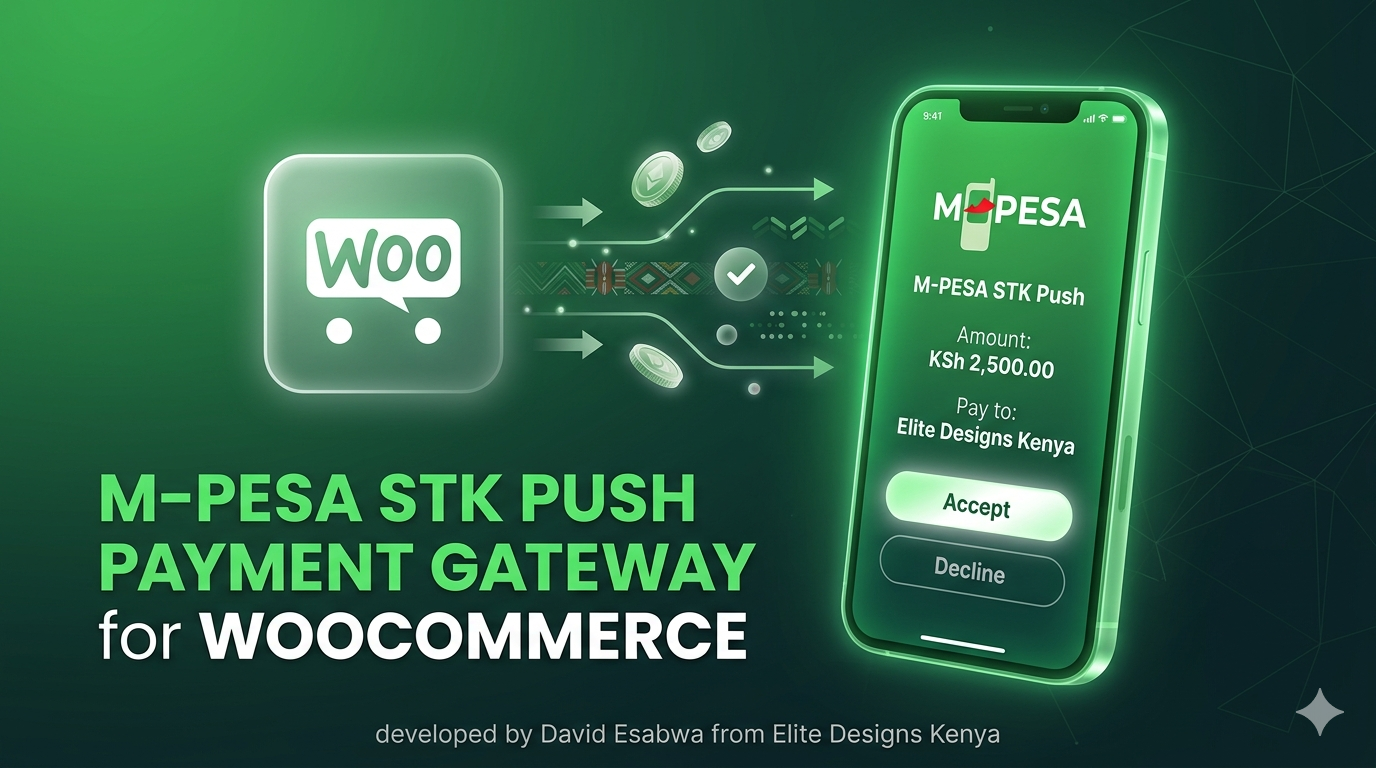
The M-Pesa STK Push Payment Gateway for WooCommerce allows your store to securely accept payments through Safaricom M-Pesa using the official Daraja API.
With STK Push, customers receive a payment prompt directly on their phone and confirm the transaction with their M-Pesa PIN, creating a smooth and trusted checkout experience.
This plugin is ideal for Kenyan businesses selling digital products, services, subscriptions, or physical goods online.
Key Features
✔ Accept M-Pesa STK Push payments directly on your WooCommerce checkout
✔ Integrates with Safaricom Daraja API
✔ Secure and fast mobile payments
✔ Automatic order confirmation after successful payment
✔ Supports Kenyan phone numbers and M-Pesa validation
✔ Lightweight and optimized for performance
✔ Easy setup with consumer key and secret
✔ Works with digital or physical products
Perfect For
WooCommerce stores in Kenya
Digital product stores
Service-based businesses
Online course platforms
Web development and marketing services
Subscription-based websites
Requirements
WordPress website
WooCommerce installed
Safaricom Daraja API credentials
SSL certificate (HTTPS)
Installation
Download the plugin ZIP file.
Go to WordPress → Plugins → Add New → Upload Plugin.
Upload and activate the plugin.
Navigate to WooCommerce → Settings → Payments.
Enable M-Pesa STK Push and enter your Daraja API credentials.
Your store is now ready to accept M-Pesa payments.
Why Use This Plugin?
M-Pesa is the most trusted payment method in Kenya, and integrating it directly into your WooCommerce checkout significantly improves conversion rates and customer trust.
This plugin ensures a seamless checkout experience, allowing customers to pay with their phone in seconds.


Reviews